World Screenshots
Early development captures from DCraft.
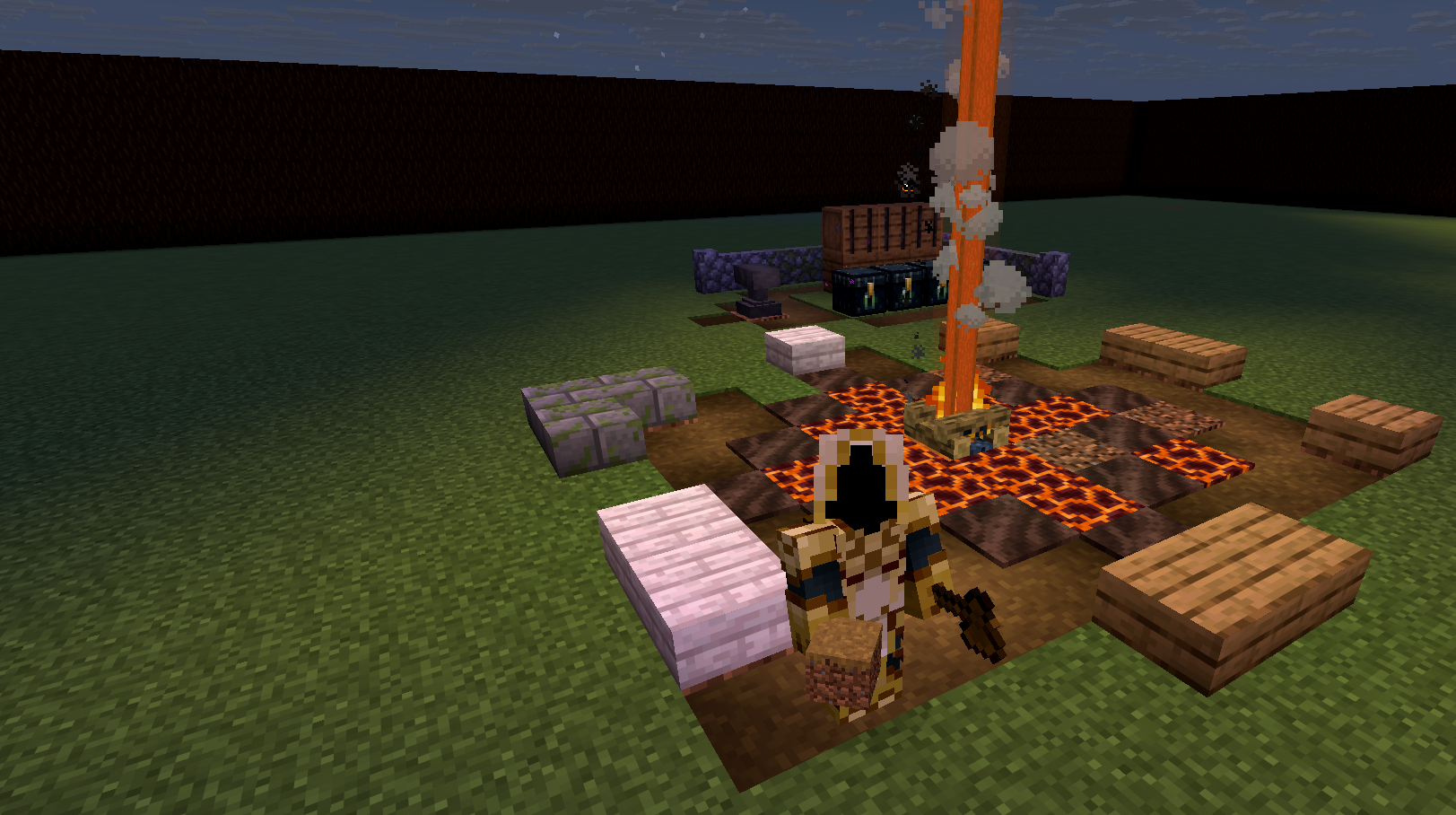
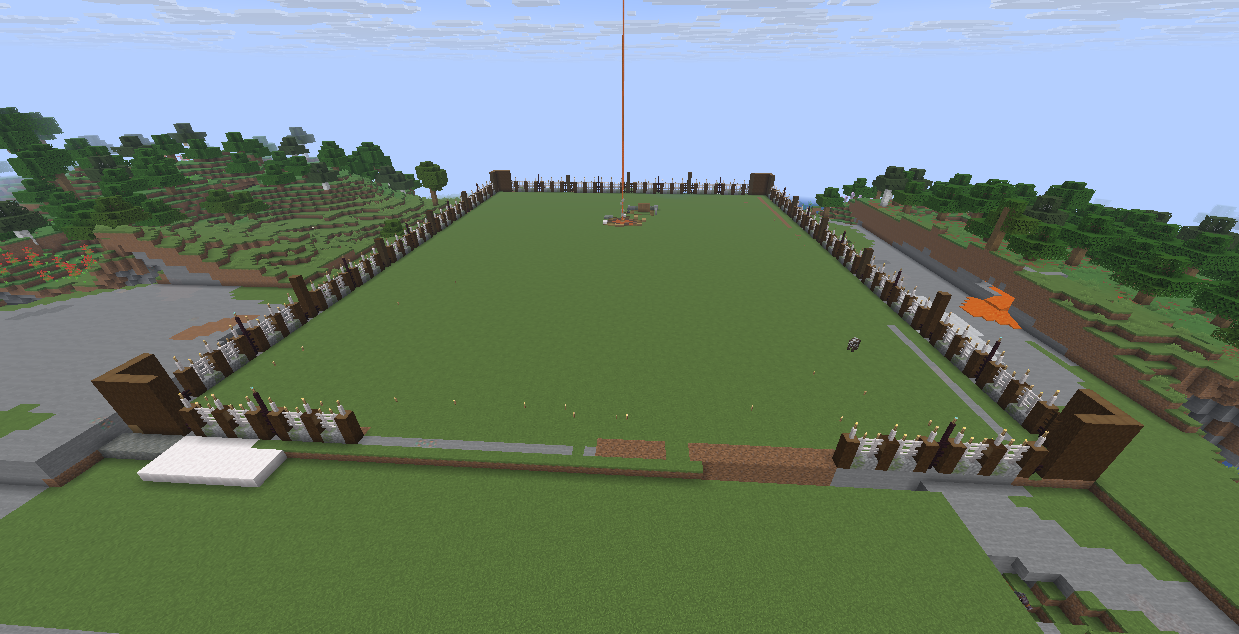
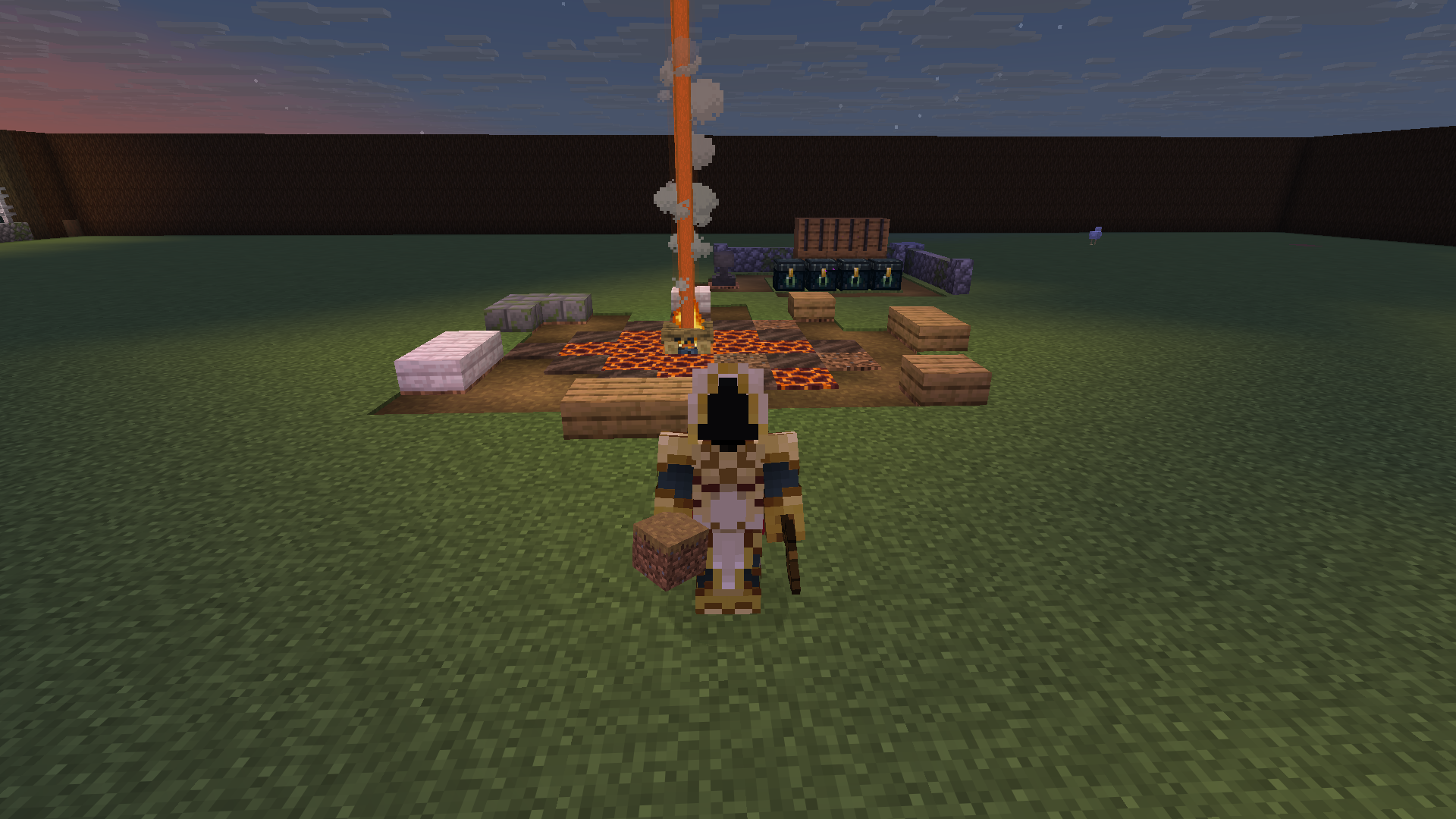
Welcome to DCraftMC, a Minecraft server in its early stages of development, inspired by the world of Diablo II! We're building something epic—combining the dark fantasy of Diablo with Minecraft’s creativity. Join us on this exciting journey as we bring Diablo II to life in block form, with custom features, mods, and gameplay. Your adventure begins here!
play.dcraftmc.com
Download the official pack and get in fast.
DCraft is a faction-driven survival world shaped by its players. Build, defend, trade, explore — the direction is yours.
Claim land, establish borders, and shape your region’s identity through strategy and cooperation.
Rivalries form naturally. Alliances shift. The map reflects player decisions — not scripted outcomes.
From a simple campfire to fortified settlements, growth is tangible and earned over time.
DCraft evolves through player feedback, events, and steady development — not sudden resets.
The Rogue Encampment stands as the first refuge — a place of trade, preparation, and strategy. Beyond its walls, the wilderness is open and player-driven.
Regions will expand over time. Systems will evolve. Development is steady and transparent.
Follow Development• Rogue Encampment perimeter
• Spawn systems & balance
• Faction stability
• Community onboarding
Early development captures from DCraft.
DCraft runs on Fabric 1.21.11 with a lightweight curated modpack. Follow the steps below to get started.
Download the DCraft Modpack and place/extract the files inside your
.minecraft/ folder
Select the Fabric 1.21.11 profile in your launcher and start the game.
Add play.dcraftmc.com to your multiplayer list and connect.
DCraft is built on competition, creativity, and community. Play hard. Play fair.
No griefing inside protected or designated safe areas. Outside faction territory, conflict is expected — but intentional destruction solely for harassment is not.
PvP, raids, and rivalries are part of DCraft. Exploits, dupes, and unintended mechanics are not. If you find a bug, report it.
No hacked clients, x-ray, duplication glitches, or automation that provides unfair advantage. Play smart. Not dirty.
Keep chat civil. Rivalry is part of the world — harassment, hate speech, or personal attacks are not.
The world is player-driven. Admin interference will be minimal unless rules are broken or server stability is threatened.
DCraft is actively evolving. Balance adjustments and system updates may occur as the world grows.
Spawn and perimeter walls are actively under construction. As the encampment takes shape, screenshots and updates will land here.
DCraft discussions, recruiting, support, and updates live on d2rlld.com — same network, new world.
DCraft now offers one-page Minecraft server websites designed to help communities launch, grow, and attract players with a professional online presence.